
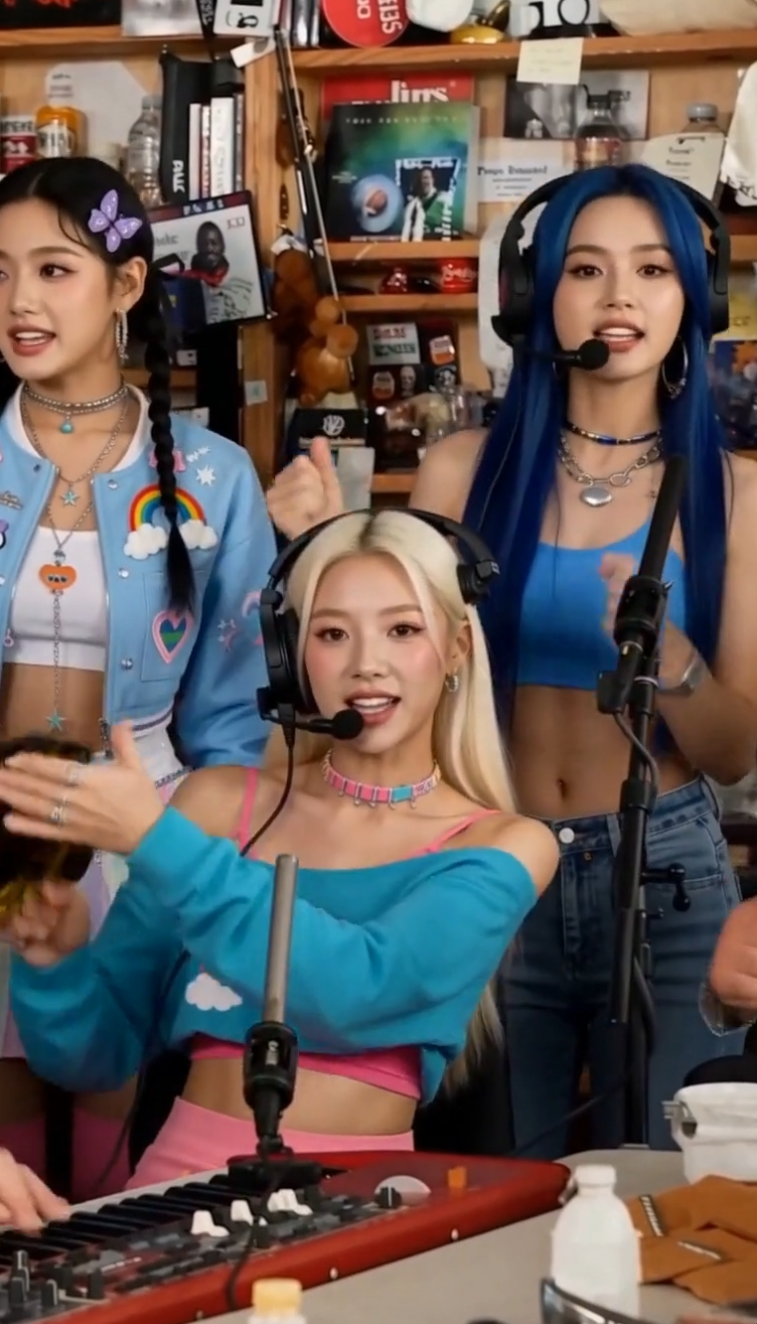
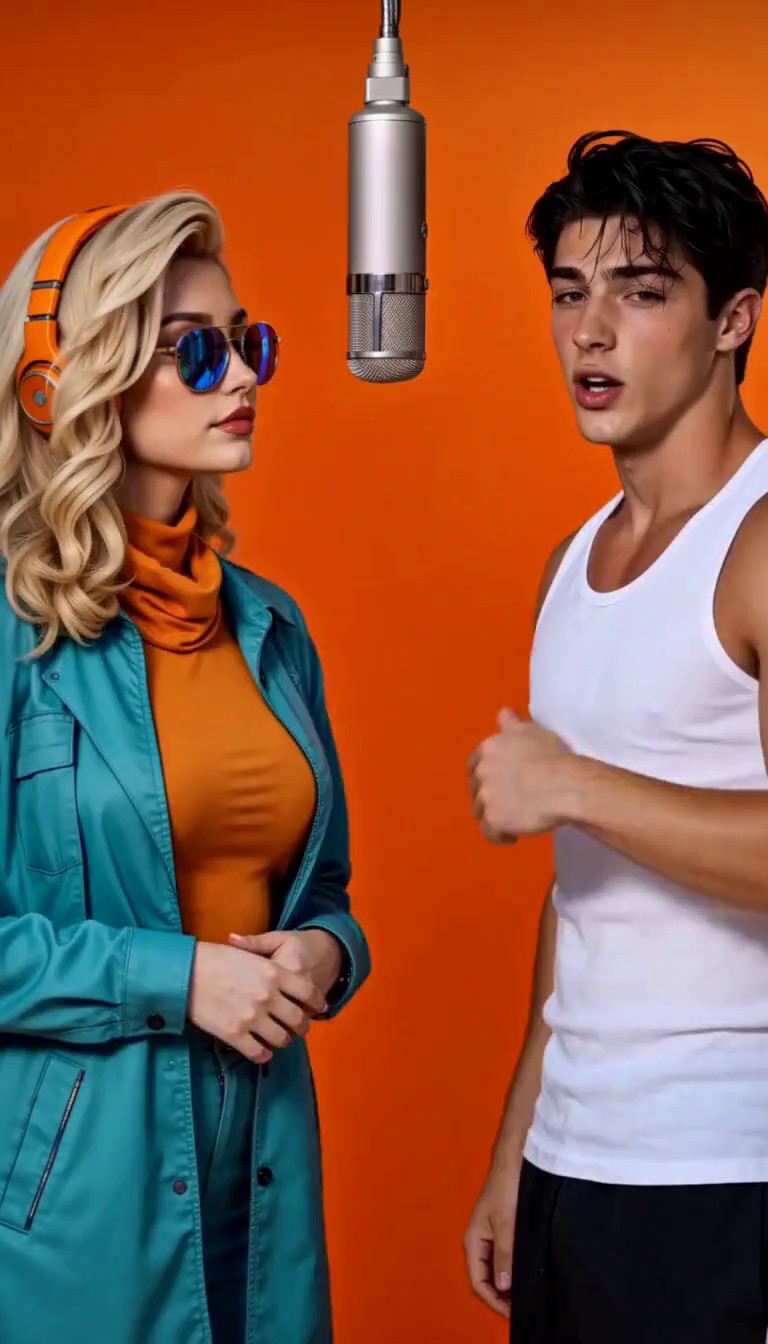
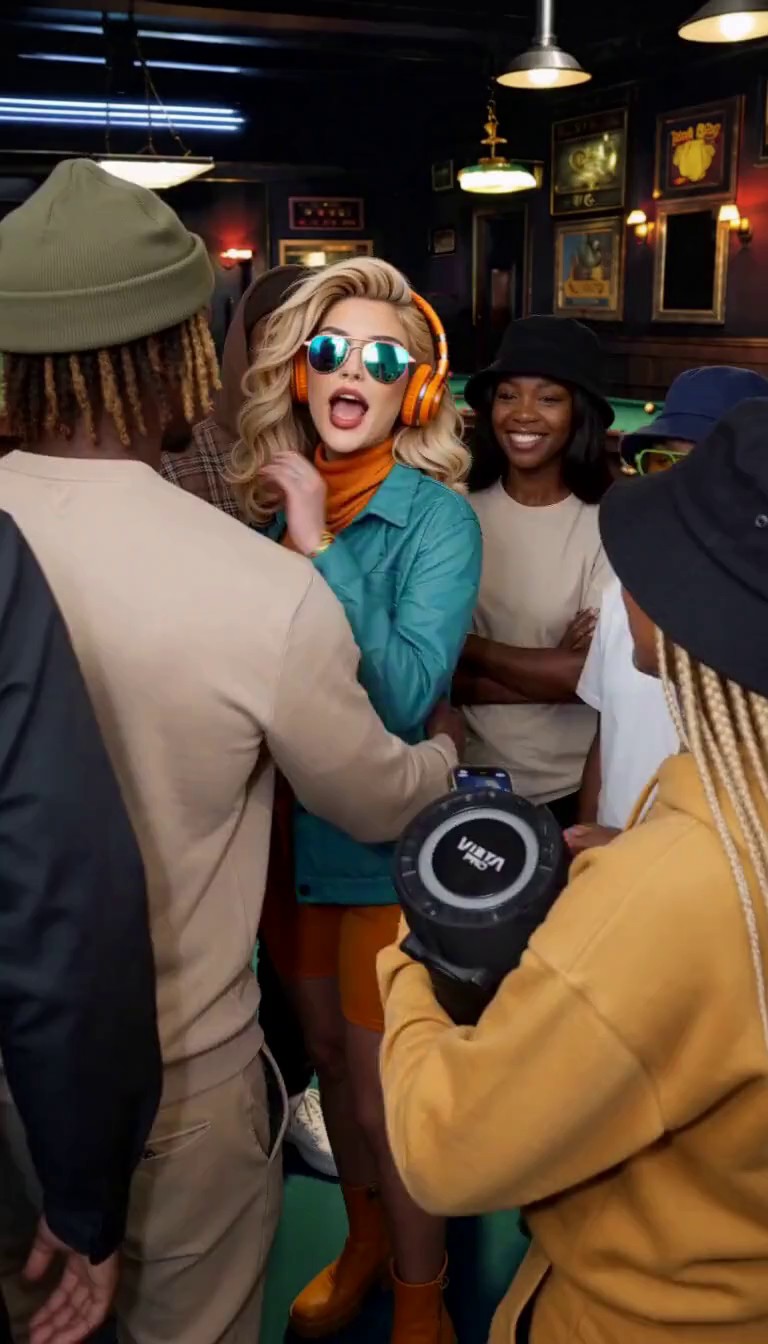
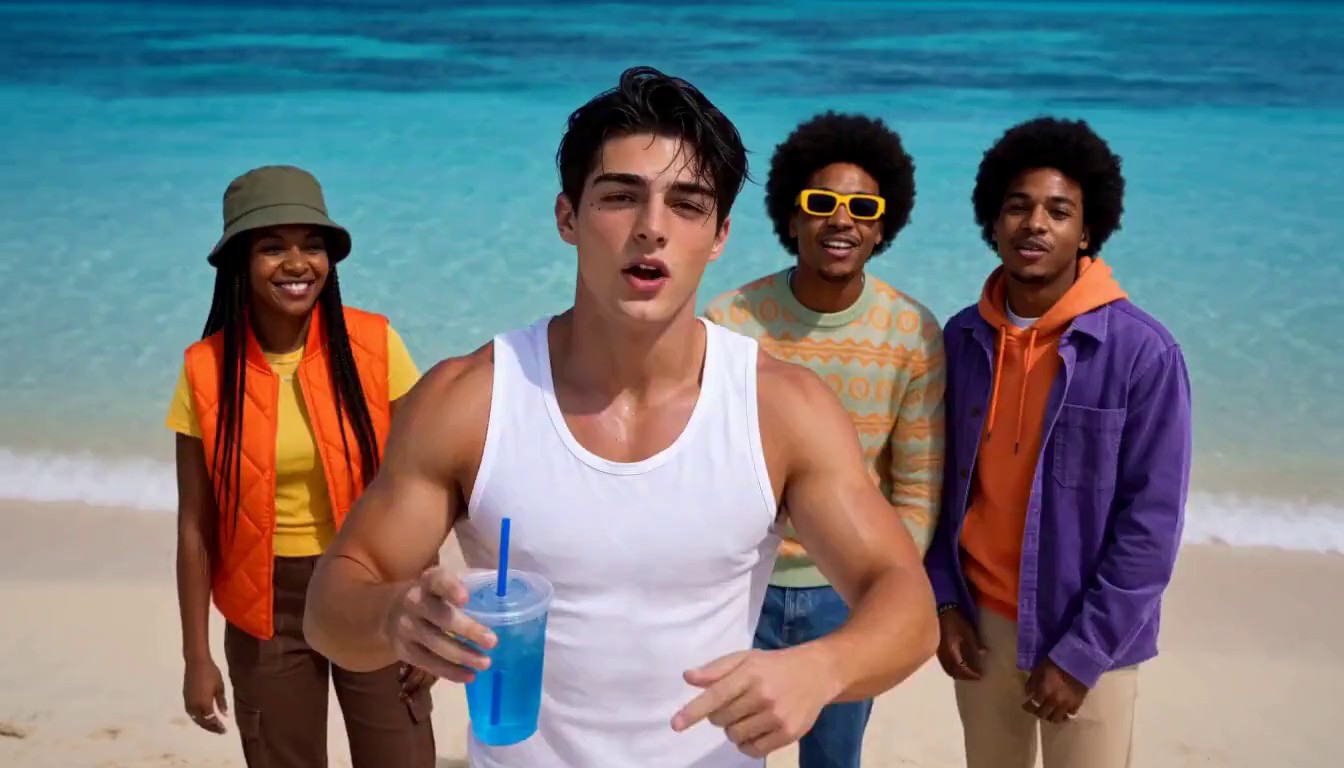
Made from these photos
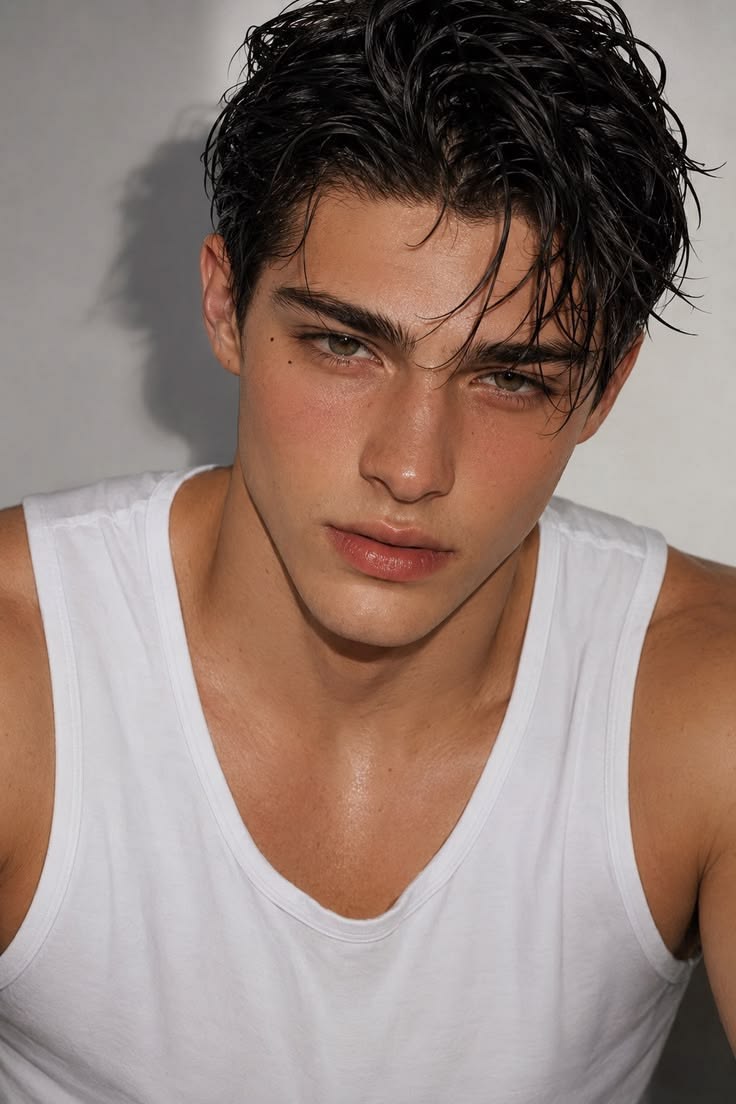
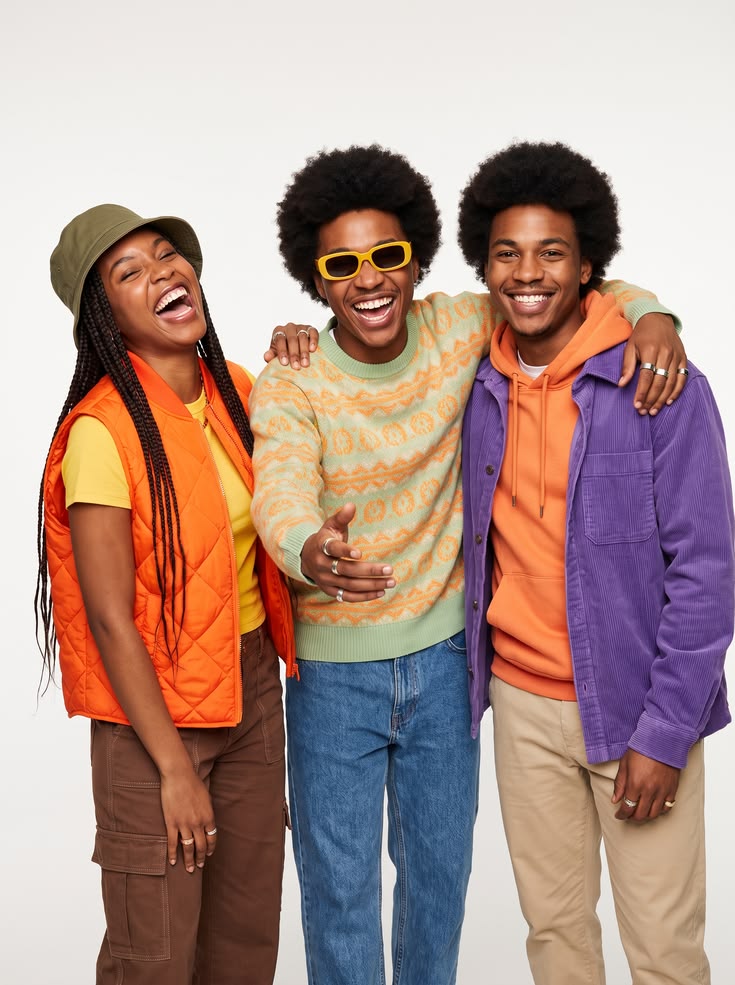
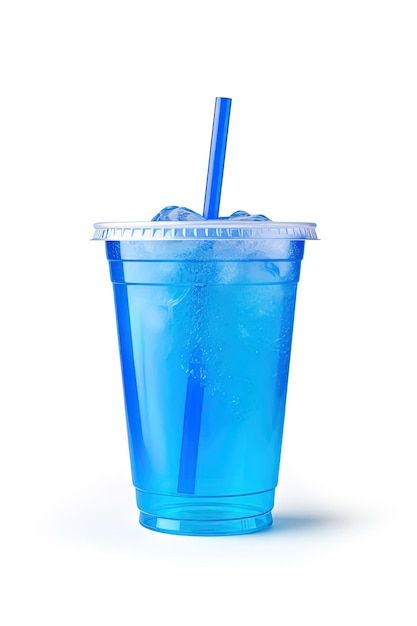
Burning Bridges Party AI Video Generator
Lead the viral chandelier party with your friends around you, from one photo of you and one of your friends.
- 4 photos
- 10s · 16:9
- 1 video
Clear, front-facing photos work best · JPG, PNG or WebP up to 20 MB
Only upload photos of yourself or of adults who agreed to it. Photos of children, public figures, or anyone who didn't agree can't be uploaded.
Outstanding Meme Examples & Templates
Every template is a ready-made meme scene, and each example video was generated by our team. Watch one, see how many photos it needs, and make your own version.
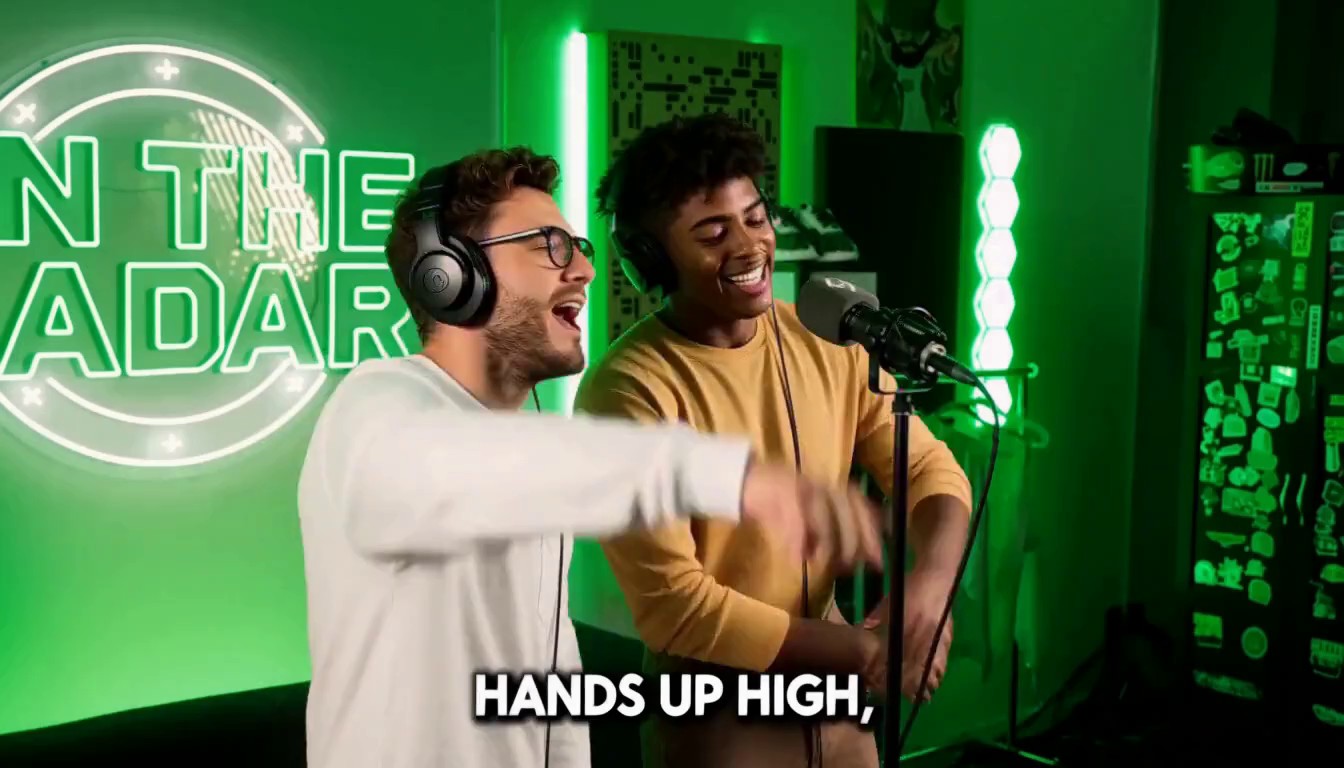
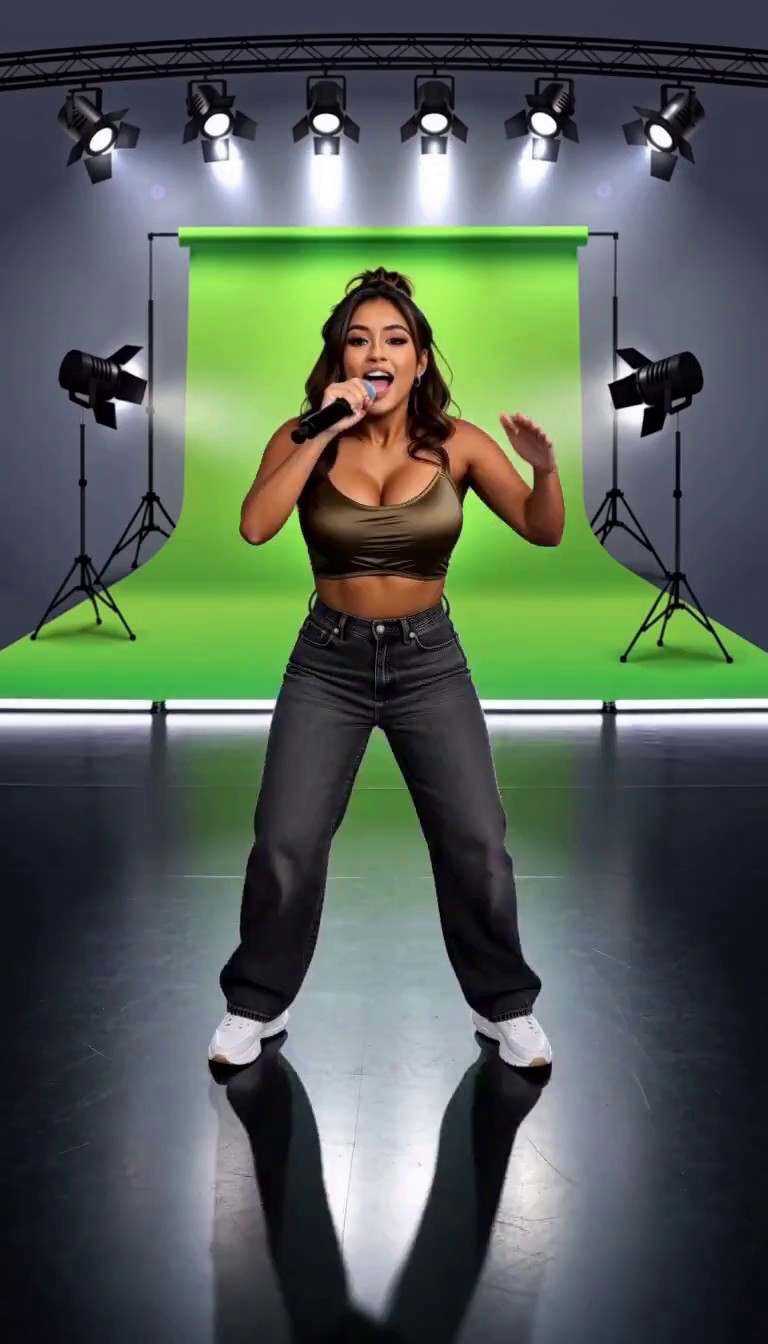
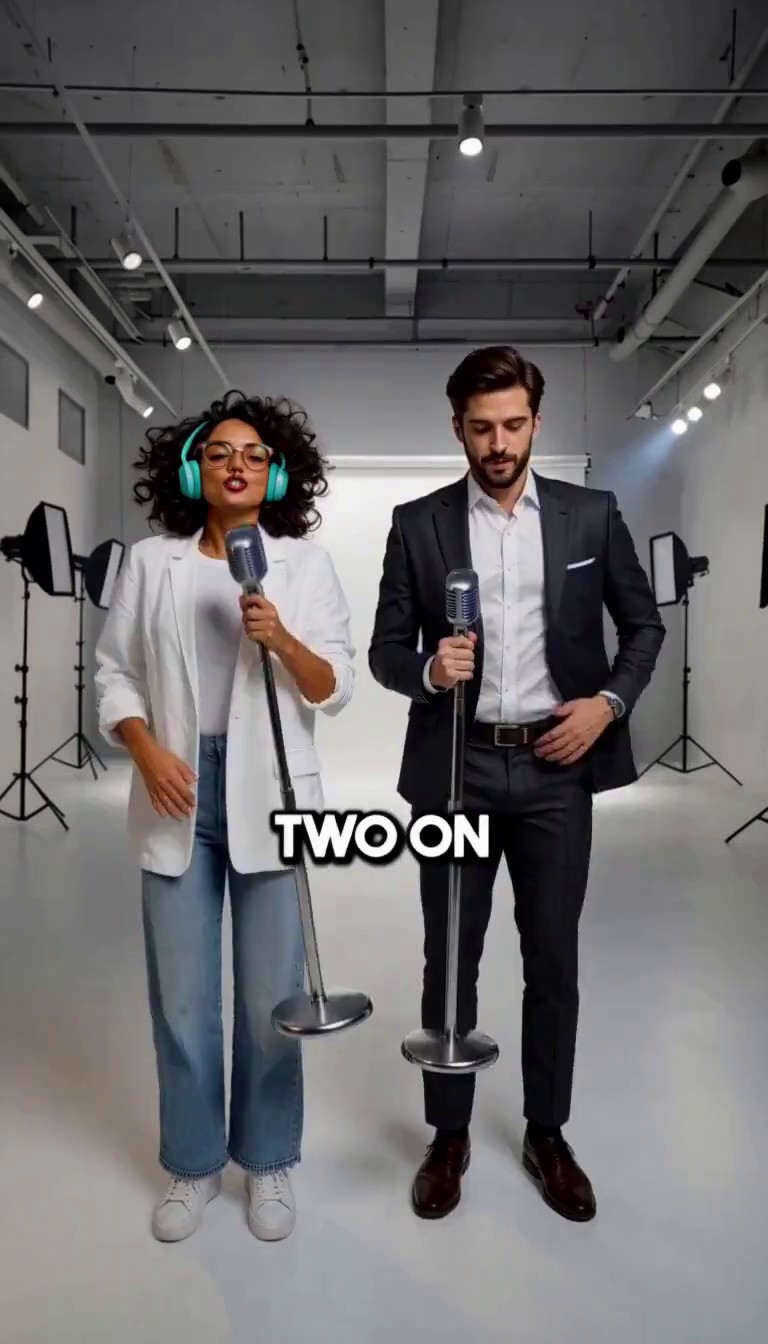
What Is the Burning Bridges AI Trend?
The Burning Bridges AI trend recreates the party scene from Drake's “Burning Bridges” music video: a handheld camera moves through a chandelier-lit private room while the host raps at the lens with a cup in hand and the crowd cheers around them. In the AI version, you become the host and your friends become the crowd.
RapVideo's Burning Bridges template keeps the camera move, where everyone stands, how the props are handled and every gesture of the original clip, and makes the music new: AI writes an original rap duet, sings it over an original beat and lip-syncs the performers. It is an independent template, not affiliated with Drake.
Burning Bridges AI Video at a Glance
- Photos
- 2 required: one of you (the host) and one of your friends, who fill the crowd, including people seen from behind. Optional: a prop to replace the cups, and a setting photo.
- Who can be in it
- You, adults who agreed to appear, pets, or drawn characters (anime, manga, comic, cartoon) that you created or have permission to use.
- Video
- 10-second MP4 with sound, 768p, horizontal 16:9, handheld-phone look.
- Audio
- A new AI-written rap duet over an original hip-hop beat, in the language of your theme (English if you leave it blank). Drake's song is not used.
- Options
- A rap theme of up to 200 characters, and burned-in lyric subtitles on or off.
- Price
- One video from a pack: $9.90 for 1, $19.90 for 3, $29.90 for 9. No subscription, no watermark.
- Time
- Usually a few minutes. Failed generations are refunded automatically.
How to Make a Burning Bridges AI Video
- 01
Upload yourself as the host
Add one clear, front-facing photo of you. You take the host's place at the center of the room.
- 02
Upload your friends
Add a photo of your friends. Each different person in it takes one place in the crowd.
- 03
Add a prop or a setting
Optionally upload any object to replace the cups, and a photo of your own room. Both appear exactly as photographed.
- 04
Write a theme and generate
Type what the rap is about in any language, turn subtitles on or off, and press Generate.
How Is This Different from Other Burning Bridges AI Generators?
Most Burning Bridges generators swap one face and keep the original sound. This template recasts the whole room and gives it a new song.
Your friends fill the room
Everyone in the crowd is replaced, including people seen from behind or half hidden, not just the faces in front.
A new rap in your language
Write the theme in English, Spanish, Chinese or another language, and the rap and subtitles follow it.
Your own props
Upload anything to replace the cups and it is held at the same moments, without being turned into a cup.
Moves kept shot for shot
The handheld camera, everyone's position and every gesture follow the original; only mouths move for the new lines.
Tips for a Better Burning Bridges AI Video
Clear faces in the friends photo
A group photo where each friend's face is visible gives the best crowd.
Use your own photo for the host
One person, front-facing, good light. The host is in every shot.
Write the theme in the language you want
The rap is written in the language of your theme.
Plan for 16:9
This template is horizontal. Crop it in an editor if you need a vertical version.
Burning Bridges AI Video FAQ
What is the Burning Bridges AI trend?
It puts a new host and crowd into the chandelier party scene from Drake's “Burning Bridges” music video: the host raps at the camera with a cup while friends cheer around them.
How many friends can be in the video?
Your friends photo fills the crowd places of the original scene, one place per different person, including people seen from behind. Extra people aren't used.
Does it use Drake's song?
No. Every video gets a new AI-written rap, AI vocals and an original beat, in the language of your theme.
Can I replace the cups?
Yes. Upload a photo of any object and it replaces the props, held at the same moments, exactly as photographed.
Can I use anime characters or pets?
Yes, if you created the characters or have permission to use them. Drawn characters keep their art style, and pets do the same moves standing upright.
How long is the video, and how much does it cost?
10 seconds at 768p, horizontal 16:9. It uses one video from your pack; packs start at $9.90, with no subscription.
Is this affiliated with Drake?
No. RapVideo is independent and not affiliated with Drake or his labels.